PCAN-Explorer 7 - Professional Windows-Software for CAN, CAN FD and CAN XL
PCAN-Explorer 7 helps MedTech teams debug and validate faster: Python scripting for automation, multiple symbol/DBC sources per connection, instant highlighting of byte/signal changes, and trace replay with breakpoints - now faster on a 64-bit architecture.
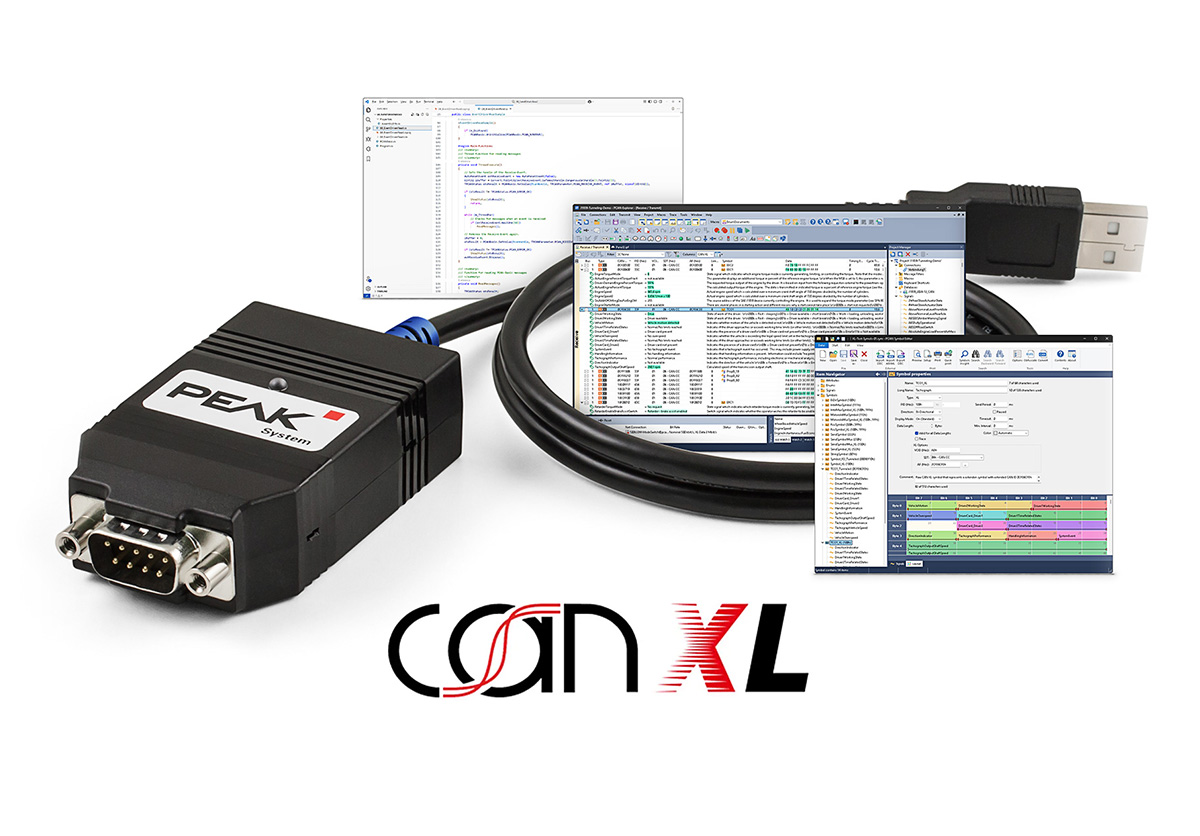
PCAN-Explorer 7 is a professional Windows software tool for monitoring, analyzing, and - when needed - simulating CAN communication. It connects to one or multiple CAN buses and turns raw bus traffic into something engineers can work with: you can observe messages and signals live, filter what matters, record traces, and review data in a repeatable way for debugging, validation, and service.
A key capability is symbolic representation. Using PEAK-System symbol files (and, with the right add-ins, compatible third-party databases), PCAN IDs and payloads can be translated into a readable signal-level view. That makes it much easier for cross-functional teams (development, test, service) to collaborate, because not everyone has to interpret raw hex frames.
For recurring tasks, PCAN-Explorer 7 supports automation - from macros to scripting (Python/VBScript) and callback mechanisms that let you react to bus events with defined actions (e.g., triggering, logging, evaluation steps, report workflows).
Typical tasks with PCAN-Explorer 7
-
Live monitoring of messages and signals across one or multiple buses.
-
Trace recording and replay (including multi-bus recording) for repeatable troubleshooting and documentation.
-
Filtering and focus to reduce noise and isolate relevant traffic - live and offline.
-
Controlled transmission of messages (manual or cyclic) for targeted checks and simple simulation scenarios.
-
Project-based workflows to organize settings, files, symbol definitions, traces, and scripts in a structured, shareable format.
What’s new in Version 7
Version 7 introduces improvements that are immediately useful in day-to-day work - even if new standards are not your main driver:
-
Multiple symbol files per connection: add definitions modularly instead of merging everything into one database.
-
Python scripting in addition to VBScript: more accessible automation with access to the full object model.
-
Instant change highlighting: byte/signal changes are visually emphasized to spot issues faster.
-
More powerful trace replay: breakpoints and single-step playback support deeper root-cause analysis and repeatable tests.
-
Higher performance with 64-bit architecture: separate engines for communication and UI improve responsiveness.
-
Modernized licensing (CodeMeter): more flexible options, including enterprise features such as floating and license-server scenarios.
Migration note: projects from older versions can typically be opened; some elements may require updates (e.g., 64-bit migration for callback libraries).
Add-ins - extend only what you need
PCAN-Explorer 7 can be expanded with add-ins depending on your workflow focus:
-
Plotter Add-in: visualize and evaluate signal curves.
-
Instruments Panel Add-in: dashboards/instruments for signal display and interaction.
-
Bus Descriptions Add-in: direct use of DBC and AUTOSAR XML (ARXML) databases.
-
J1939 Add-in: J1939/J1939 FD support when relevant.